
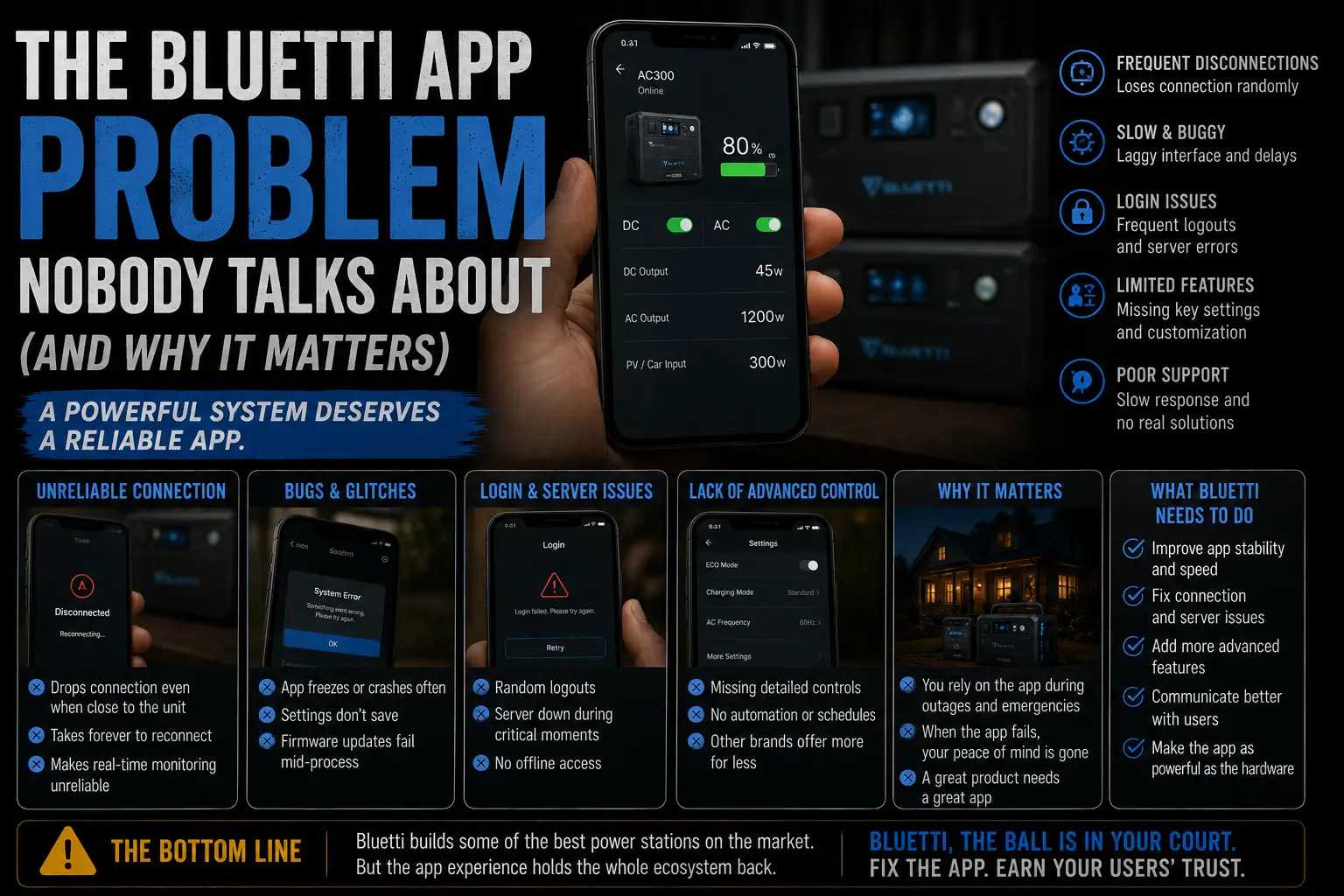
Software is not a minor detail on a power station. It is the difference between knowing you’re okay and hoping you’re okay at 2 a.m. during a storm.
I’ve said this in passing in a few posts — the AC300 review, the AC200MAX vs DELTA 2 Max comparison — but I keep threading it in as a footnote when it deserves its own post. So here it is.
Bluetti’s hardware team is genuinely excellent. The B300 battery module is one of the better-engineered products in this category. The AC300’s output quality is rock solid. Their LFP chemistry choice is the right one for longevity.
Their software team has not kept up. And depending on who you are and how you use a power station, that gap is either irrelevant or it’s the reason you buy something else.
What the App Does (And Doesn’t) Show You
Let me be specific, because vague complaints are useless.
The Bluetti app shows you: battery percentage, total watt input, total watt output, estimated time remaining, and basic settings like charge limits and AC output toggle. That’s the core of it.
What it doesn’t show you — or shows poorly — is where the frustration lives.
Refresh rate is slow. When I’m running a high load and I open the app to check draw, there’s a 4–6 second lag before the numbers reflect what’s actually happening. EcoFlow’s app updates in roughly one second. That sounds trivial until you’re watching a compressor startup spike and trying to understand whether your unit is throttling or the load just settled. Stale numbers during a dynamic situation are genuinely worse than no numbers — they give you false confidence.
No individual solar panel monitoring. If you have two panels and one is shading or underperforming, the Bluetti app shows you total array input only. You can’t isolate which panel is dragging. Ray — who’s installed solar-paired battery systems professionally for years — considers this a real diagnostic gap. “You end up walking outside and manually checking connections,” he told me, “which defeats the purpose of having a monitoring app at all.”
Charge limit setting is buried. Three taps to reach it. On EcoFlow it’s front-page accessible. This matters because setting charge limits for long-term battery health (keeping it at 80% when you’re not expecting a storm) is something you want to do regularly. If it takes effort to find, people don’t do it.
It crashes. Not constantly. But the Bluetti app on Google Play currently sits at 3.4 stars with a consistent thread of reviews citing unexpected crashes and login issues across Android versions. My own experience matched that — two crashes over ten days of testing the AC300. The app relaunches quickly and reconnects, so you don’t lose data, but two crashes in ten days on software that’s supposed to be your outage monitoring tool is not inspiring.
Why This Matters More Than Reviews Admit
Here’s the argument most reviewers skip, because they’re testing units in a controlled environment during the day with full attention on the device.
Real outages happen at night. You wake up at 3 a.m. because something changed — a sound stopped, a fan kicked on, something felt off. You pick up your phone and open the app. You want to see: how much capacity is left, what I’m currently drawing, and how many hours I have remaining.
If the app takes 5 seconds to load fresh data, shows you a number that’s 6 seconds stale, and might crash on the first attempt — you get up and walk to the unit to check the display directly. At 3 a.m. In whatever you slept in.
That’s not a catastrophe. But the whole point of remote monitoring is that you don’t have to do that. EcoFlow’s app earns that promise. Bluetti’s app doesn’t, quite.
Ray summed it up better than I have: “The hardware gives you confidence. The app takes some of it back.”
That’s the gap. It’s not a reason to avoid Bluetti entirely — the AC300’s expandability and output make it compelling for a specific buyer, and I said so honestly in the full review. But it is a real trade-off that should be named plainly, not buried in paragraph seven of a comparison table.
It’s a Small Thing. It Isn’t.
You’re not buying a power station to look at the app on a normal Tuesday. You’re buying it for the moment when everything else has failed and you need to know exactly how much runway you have left.
In that moment, every second of lag and every stale number matters more than it should. The Bluetti hardware handles that moment well. The app introduces uncertainty right when you need the opposite.
If Bluetti fixed the refresh rate, improved the solar monitoring, and moved charge limit settings to the home screen — the product gets significantly better without touching a single piece of hardware. That’s a software update, not a redesign. Until it happens, it’s the most honest limitation to name before someone hands over $2,500 or more.

Lived through four major grid outages since 2021 — including Hurricane Ian (2022) and Helene (2024). Spent over $6,200 testing portable power stations and comparing them against whole-home standby generators before finding a setup that actually works. Not an electrician. Not sponsored by anyone. Just a homeowner who got it wrong the first time and documented everything the second time.
Why I started this blog: I wasted $3,400 on the wrong power station during Ian prep and I couldn’t find a single blog that gave me real runtime numbers — not the ones printed on the box. I decided to test everything myself and write it down.
What I do: I run real-world runtime tests on portable power stations and standby generators. I track how long they actually power a fridge, window AC, CPAP, and phone chargers — not under ideal lab conditions, but during Florida summers with actual loads. I compare real purchase prices, warranty experiences, and manufacturer support against what homeowners actually need after a storm.