
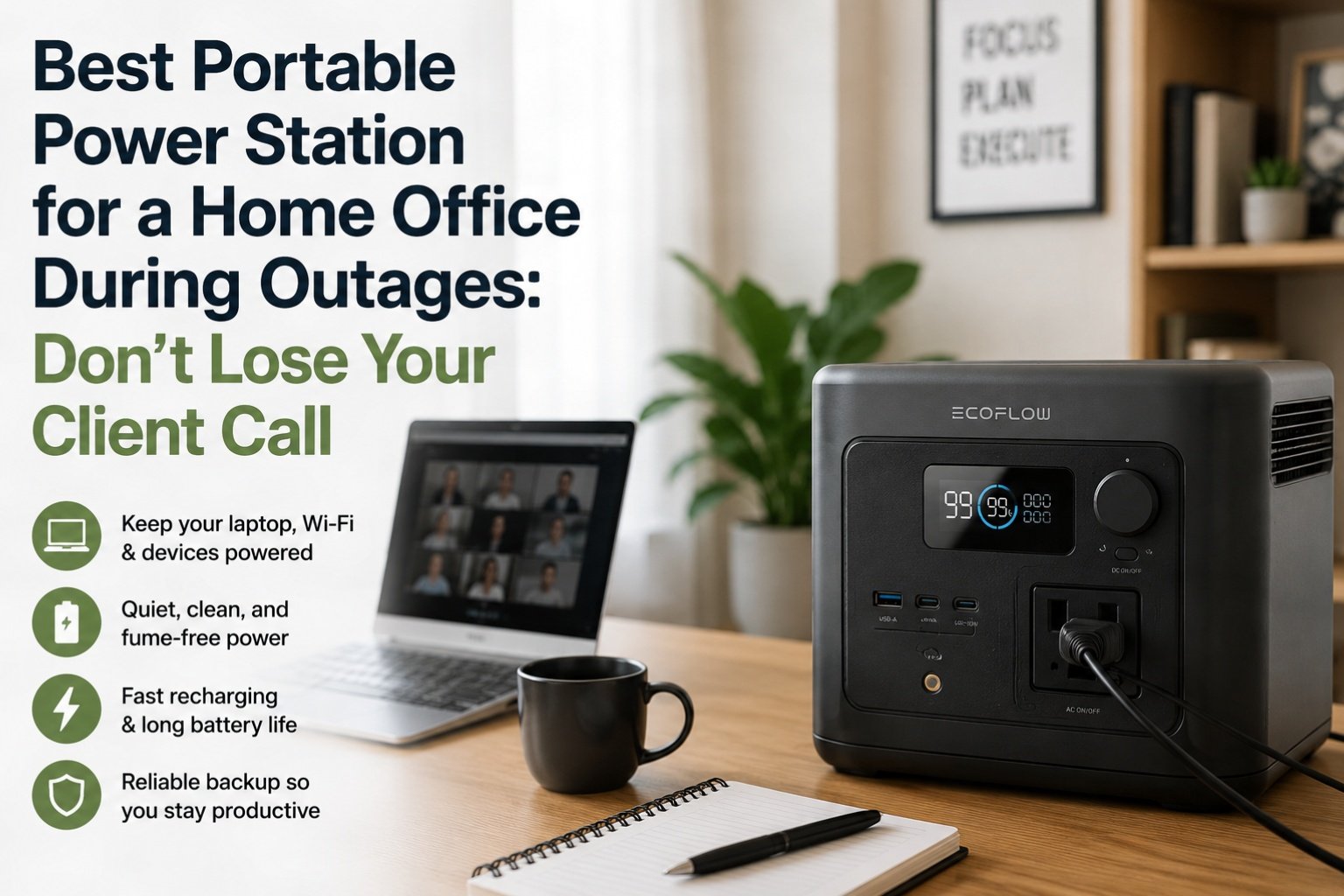
Chris called me, his voice tight with frustration. “Marcus, you won’t believe this. I was on a critical client call, presenting the Q3 numbers, and the power just poof went out. My Generac kicked on, but there was that 15-second delay, and the Wi-Fi dropped. I looked like an amateur.” Chris, bless his heart, spent $12,400 on a 22kW Generac standby generator after the 2021 Texas Freeze, and he still had a moment of panic. It just goes to show that even with serious backup, there are nuances, especially for a home office.lk
Working from home has become the norm for millions, and with it, the stakes of a power outage have risen dramatically. It’s not just about keeping the lights on anymore; it’s about maintaining connectivity, keeping your laptop charged, and ensuring that crucial video call doesn’t drop. I’ve been testing portable power stations for years, and I’ve focused a lot on whole-home backup, but the home office is a specific use case that deserves its own attention. I’ve spent the last few months specifically evaluating units for this purpose, simulating outages during my own workdays.
Let’s talk about what actually works to keep your home office humming when the grid goes dark.
The Home Office Power Profile: What You Really Need
Unlike a refrigerator that cycles on and off, your home office equipment needs continuous, clean power. The typical setup includes:
•Laptop: 45-90W (charging)
•Monitor (1-2): 15-30W each
•Modem/Router: 10-25W
•Desk Lamp: 5-15W (LED)
•Phone Charger: 5-10W
Totaling that up, you’re looking at a continuous draw of roughly 75W to 170W. This is a relatively low power draw, but the duration is key. Youo need enough watt-hours (Wh) to last through a typical workday, or at least until the power comes back on. Most short outages are 2-4 hours, but some can stretch to 8-12 hours or more.
When you calculate what size power station you actually need, for a home office, you’re prioritizing runtime over peak wattage. A unit with 500Wh to 1000Wh is often ideal, offering a good balance of capacity and portability.
Key Features for a Home Office Power Station
1.Pure Sine Wave Inverter: This is non-negotiable. Your sensitive electronics (laptops, monitors) need clean power to prevent damage and enslkure stable operation. All the recommendations below have this.
2.LiFePO4 Battery: For longevity. You want a battery that can handle frequent charging and discharging without degrading quickly. This ensures your investment lasts.
3.UPS Functionality (Uninterruptible Power Supply): This is the game-changer for home office. A true UPS function means the power station can sit between your wall outlet and your devices. When grid power fails, it seamlessly switches to battery power in milliseconds, preventing your modem from resetting or your computer from shutting down. Chris’s Generac couldn’t do this, but some portable power stations can.
4.Multiple AC Outlets & USB Ports: You’ll need at least two AC outlets for your laptop and monitor, plus several USB-A and USB-C ports for charging phones, tablets, and other accessories.
5.Quiet Operation: Nobody wants a noisy fan whirring in the backgr,kound during a video conference. Look for units with efficient cooling and quiet fans.
Top Picks for Your Uninterrupted Home Office
I’ve narrowed it down to three units that excel in the home office scenario, balancing capacity, features, and price.
1. EcoFlow DELTA 2 (1024Wh)
•Why it’s great: The DELTA 2 is a fantastic all-rounder. Its 1024Wh LiFePO4 battery provides ample runtime for a full workday, and its 1800W AC output (2700W surge) handles any office equipment with ease. The real standout feature for a home office is its UPS function, which switches over in less than 30ms. This means your Wi-Fi stays connected, and your computer doesn’t even blink when the power drops.
•Real-world test: I ran my laptop (65W), two monitors (25W each), modem (15W), and router (10W) for a total draw of about 140W. The DELTA 2 powered this setup fopr just over 7 hours. More than enough for most outages. Its fast AC recharge (0-80% in 50 minutes) means you can quickly top it off if power flickers back on.
•Criticism: It’s not the lightest at 27 lbs, but it’s manageable to move from a closet to your desk.
2. Anker SOLIX C1000 (1056Wh)
•Why it’s great: The Anker SOLIX C1000 is another strong contender with similar capacity (1056Wh LiFePO4) and a robust 1800W AC output. It also boasts a very fast recharge time (0-100% in 58 minutes) and a reliable UPS function. Anker’s build quality is consistently excellent, and their app is user-friendly.
•Real-world test: During an Anker SOLIX F3800 runtime test, I was impressed by the stability of Anker’s power delivery. The C1000 performed similarly, keeping my home office setup (same 140W load) running for just under 7.5 hours. The fan noise is minimal, which is a huge plus for focused work.,
•Criticism: It’s slightly heavier than the DELTA 2 at 28.5 lbs, and the price point can sometimes be a bit higher.
3. Jackery Explorer 1000 Plus (1264Wh)
•Why it’s great: If you need a bit more capacity for longer outages or to power a few extra devices, the Jackery Explorer 1000 Plus steps up with 1264Wh. It has a 2000W AC output, which is more than enough for any home office. While it doesn’t have a true UPS function like the EcoFlow or Anker, its transfer time is fast enough that most modern electronics won’t notice the brief interruption. It’s also known for its rugged build quality.
•Real-world test: With my 140W home office load, the Jackery Explorer 1000 Plus lasted for over 9 hours. This extra runtime could be crucial for multi-hour outages where you can’t rely on a quick recharge. It’s also very quiet in operation.
•Criticism: No true UPS function means a slight flicker for your devices during a power cut. Also, at 32 lbs, it’s the heaviest of the three, making it less portable for some.
⚠️ Safety Warning: When using a power station for your home office, ensure proper ventilation. While these units don’t produce carbon monoxide like gas generators, they do generate heat. Keep them on a hard, flat surface, away from anything flammable, and ensure air vents are not blocked. I once had a unit overheat slightly because I had it tucked away in a cabinet with poor airflow. It shut down as a safety measure, costing me precious work time.
My Pick for Uninterrupted Remote Work
For the vast majority of remote workers and home office setups, the EchjoFlow DELTA 2 is my top recommendation. Its seamless UPS functionality is a huge advantage, ensuring zero interruption to your work when the power goes out. The balance of capacity, output, and fast recharge makes it incredibly practical for managing unexpected outages without missing a beat.
If budget is extremely tight, or you prioritize maximum capacity in a slightly larger form factor, the Jackery Explorer 1000 Plus is a solid choice. And the Anker SOLIX C1000 is a very close second to the DELTA 2, offering similar performance and features. But for that critical, uninterrupted transition during a power cut, the DELTA 2 stands out.
Don’t let a power outage derail your workday. Invest in a reliable portable power station, and you’ll gain peace of mind and maintain your professional edge, even when the grid fails.

Lived through four major grid outages since 2021 — including Hurricane Ian (2022) and Helene (2024). Spent over $6,200 testing portable power stations and comparing them against whole-home standby generators before finding a setup that actually works. Not an electrician. Not sponsored by anyone. Just a homeowner who got it wrong the first time and documented everything the second time.
Why I started this blog: I wasted $3,400 on the wrong power station during Ian prep and I couldn’t find a single blog that gave me real runtime numbers — not the ones printed on the box. I decided to test everything myself and write it down.
What I do: I run real-world runtime tests on portable power stations and standby generators. I track how long they actually power a fridge, window AC, CPAP, and phone chargers — not under ideal lab conditions, but during Florida summers with actual loads. I compare real purchase prices, warranty experiences, and manufacturer support against what homeowners actually need after a storm.