
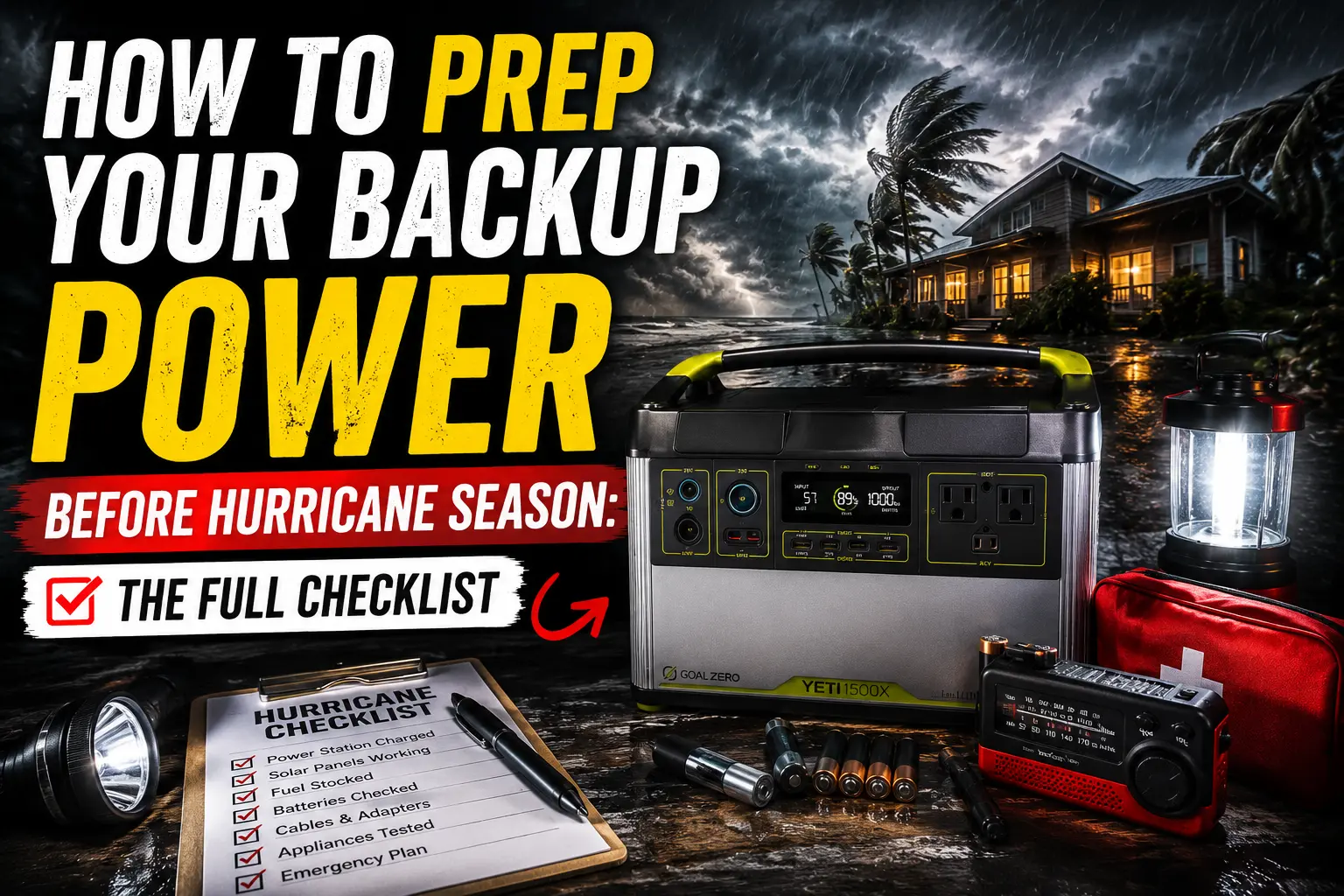
Donna called me last May, just as the first named storm of the season was forming off the coast. Her voice was a mix of panic and frustration. “Marcus,” she said, “I charged my power station, but it’s only at 60%! And I can’t find the solar panels!” She had bought a decent unit after watching my early setup during a storm, but like many homeowners, the actual prep work had fallen by the wayside. It’s easy to buy the gear, but it’s another thing entirely to have it ready when the wind starts howling.
Living in Jacksonville, Florida, hurricane season isn’t a theoretical exercise; it’s an annual reality. I’ve been through enough of these to know that waiting until the last minute is a recipe for stress and potential disaster. This isn’t about fear-mongering; it’s about practical, actionable steps you can take now to ensure your backup power system is ready. This is the full checklist I use every year, refined over four hurricane seasons and nine actual outages. It’s designed for homeowners who rely on portable power stations, not just generators.
Let’s get your hurricane season backup power prep sorted, so you’re not scrambling when the alerts start.
Three Weeks Out: The Initial Power Check
This is your first line of defense. Don’t assume your power station is ready just because it’s been sitting in the garage. Batteries self-discharge, and cables mysteriously disappear.
1.Full Charge Cycle: Take every portable power station you own and run it through a full charge and discharge cycle. This helps calibrate the battery management system and ensures the battery is healthy. I usually plug in a fan and let it run until the unit shuts off, then charge it back to 100%. Note the actual runtime you get. If it’s significantly less than expected, you might have a problem.
2.Inspect Cables: Check all AC charging cables, solar cables, and car charging cables for fraying, damage, or corrosion. Replace anything that looks suspicious. A damaged cable is a fire hazard and will leave you without power when you need it most.
3.Test Outlets: Plug a small appliance (like a lamp) into every AC and DC outlet on your power station. Make sure they all work. I once had a DC port fail on an older unit, and only discovered it when I tried to charge a critical device during an outage.
4.App Check: If your power station has a companion app (and most good ones do), open it up. Ensure it connects to your unit, and all features are working. Update the firmware if prompted. EcoFlow’s app, for example, often has updates that improve battery longevity or charging efficiency.
One Week Out: The Appliance Audit
Now that your power stations are confirmed healthy, it’s time to think about what you’ll actually power. This is where many homeowners make mistakes, overestimating what their units can do or underestimating their needs.
1.Prioritize Essentials: Make a definitive list of what absolutely must run. For most, this includes a refrigerator, modem/router, phones, and maybe a fan or a CPAP machine. If you haven’t already, calculate what size power station you actually need for these items.
2.Test Critical Appliances: Plug each essential appliance into your power station and run it for a short period. This confirms compatibility and gives you a real-world sense of power draw. Donna found out her window AC unit, while technically runnable, would drain her power station in under two hours, making it impractical for sustained cooling.
3.Label Cables: This sounds simple, but it’s a lifesaver in the dark. Label which cables go to which devices. A piece of masking tape and a marker is all it takes. Trust me, fumbling for the right USB-C cable at 2 AM with no lights is not fun.
4.Charge Small Devices: Fully charge all phones, tablets, laptops, portable lights, and battery banks. These are your immediate lifelines when the power first goes out.
48 Hours Out: Final Preparations and Safety
The storm is close. This is crunch time. You’ve done the heavy lifting; now it’s about securing everything and ensuring safety.
1.Top Off All Batteries: Charge every power station to 100%. If you have solar panels, deploy them for a final top-off if the sun is out. Every watt-hour counts.
2.Fuel Up: If you have a gas generator, ensure it’s fueled and tested. Store extra fuel safely and away from your home. Ray, my electrician friend, has seen too many close calls with improperly stored fuel.
3.Secure Solar Panels: If you plan to use solar panels after the storm, ensure they are easily accessible but stored securely where they won’t become projectiles during high winds. I usually bring mine into the garage.
4.Review Your Plan: Talk through your power plan with your family. Who is responsible for what? Where are the flashlights? Where are the fully charged power stations? This is part of my backup power setup for Florida homeowners.
⚠️ Safety Warning: Never, under any circumstances, run a portable power station or a generator indoors or in an enclosed space like a garage. Carbon monoxide is an odorless, colorless killer. I made the mistake of trying to charge a small unit in a partially open garage during a light rain once, and the fumes were noticeable within minutes. It’s not worth the risk. Keep them outside, away from windows and doors, and use extension cords to bring power inside.
During the Outage: Managing Your Power
Once the power is out, it’s about conservation and smart usage.
1.Unplug Non-Essentials: Disconnect anything not on your priority list. Phantom drain adds up.
2.Cycle Appliances: For high-draw items like refrigerators, cycle them on and off. Run the fridge for an hour, then unplug it for three. This dramatically extends your power station’s runtime.
3.Solar Opportunity: If the sun comes out, deploy your solar panels immediately. Even partial sun can provide valuable recharge. I’ve often gotten 50-70W even on overcast days, which is enough to keep phones charged and slowly top off a smaller unit.
4.Monitor Usage: Use your power station’s display or app to monitor power draw and remaining battery life. This helps you make informed decisions about what to run and for how long.
Don’t Wait for the Forecast: My Final Thoughts on Preparedness
I’ve seen the difference between being prepared and being caught off guard. The peace of mind that comes from knowing your essentials are covered is invaluable. Donna learned her lesson, and now she’s one of the most prepared people I know. It’s not about buying the biggest, most expensive gear; it’s about having a plan and making sure your existing equipment is ready to go.
Hurricane season is a marathon, not a sprint. Take these steps now, before the first advisory hits, and you’ll be in a much better position to weather whatever comes your way. Your future self, sitting comfortably with a charged phone and a cold drink, will thank you.

Lived through four major grid outages since 2021 — including Hurricane Ian (2022) and Helene (2024). Spent over $6,200 testing portable power stations and comparing them against whole-home standby generators before finding a setup that actually works. Not an electrician. Not sponsored by anyone. Just a homeowner who got it wrong the first time and documented everything the second time.
Why I started this blog: I wasted $3,400 on the wrong power station during Ian prep and I couldn’t find a single blog that gave me real runtime numbers — not the ones printed on the box. I decided to test everything myself and write it down.
What I do: I run real-world runtime tests on portable power stations and standby generators. I track how long they actually power a fridge, window AC, CPAP, and phone chargers — not under ideal lab conditions, but during Florida summers with actual loads. I compare real purchase prices, warranty experiences, and manufacturer support against what homeowners actually need after a storm.